Screen checks and the report
Know what broke, and why.
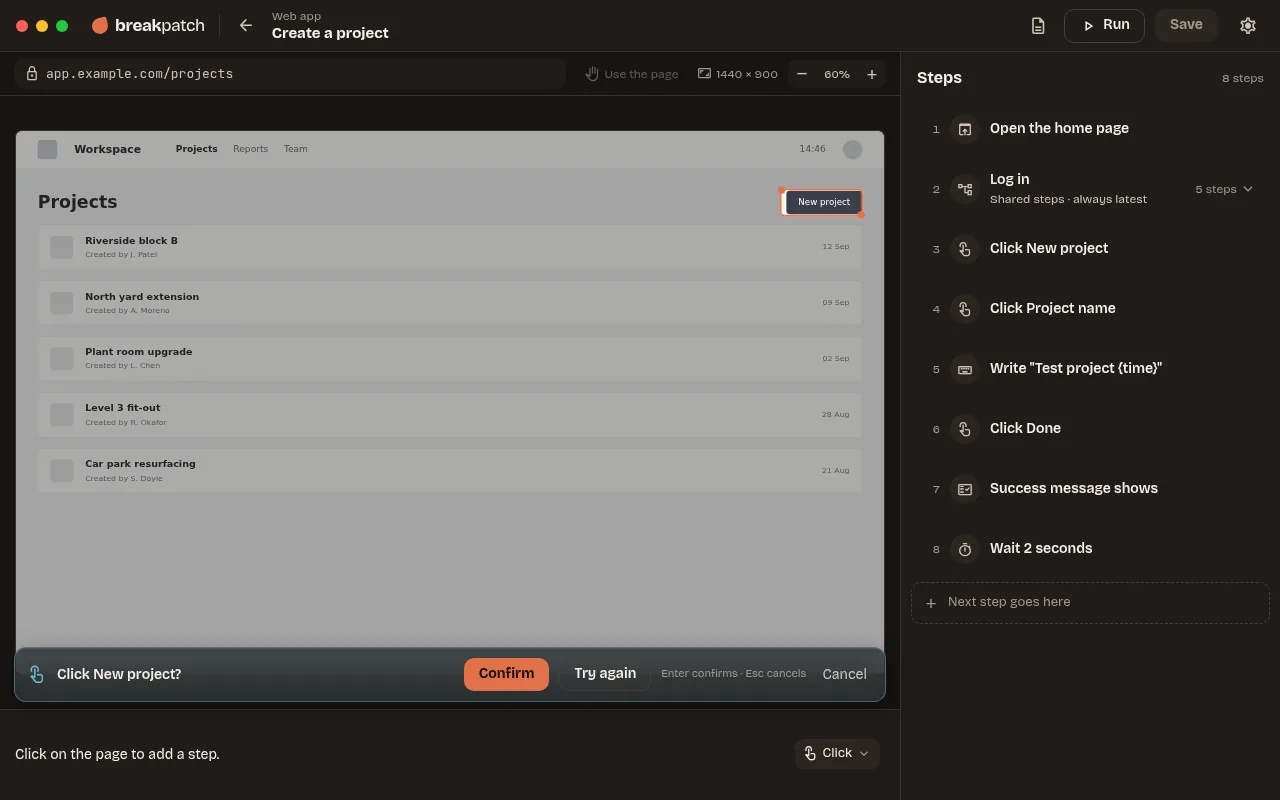
After every step, Breakpatch checks the screen changed the way it did when you recorded it. There's nothing to draw or approve. When a run fails, the report puts what was expected next to what was on screen, and says why in plain words.
Visual checking, not AI. Screen checks compare how the screen looks with how it looked when you recorded, leaving out the parts of a page that change by themselves, like clocks and carousels. The same screen gets the same answer every time.
- Reasons like “Couldn't find the Done button”, not error codes
- Re-record this step, straight from the report
- Copy → Markdown, for an issue: a ready-made bug report for GitHub, Jira, Linear or any tracker
- Why did this fail? Team, coming later The AI says in plain words what changed, like “The Save button now reads Save changes”, and what to do
- Create issue Team, coming later in GitHub, Linear or Jira in one click, with the steps, the screenshot and a link to the report
Reading the report